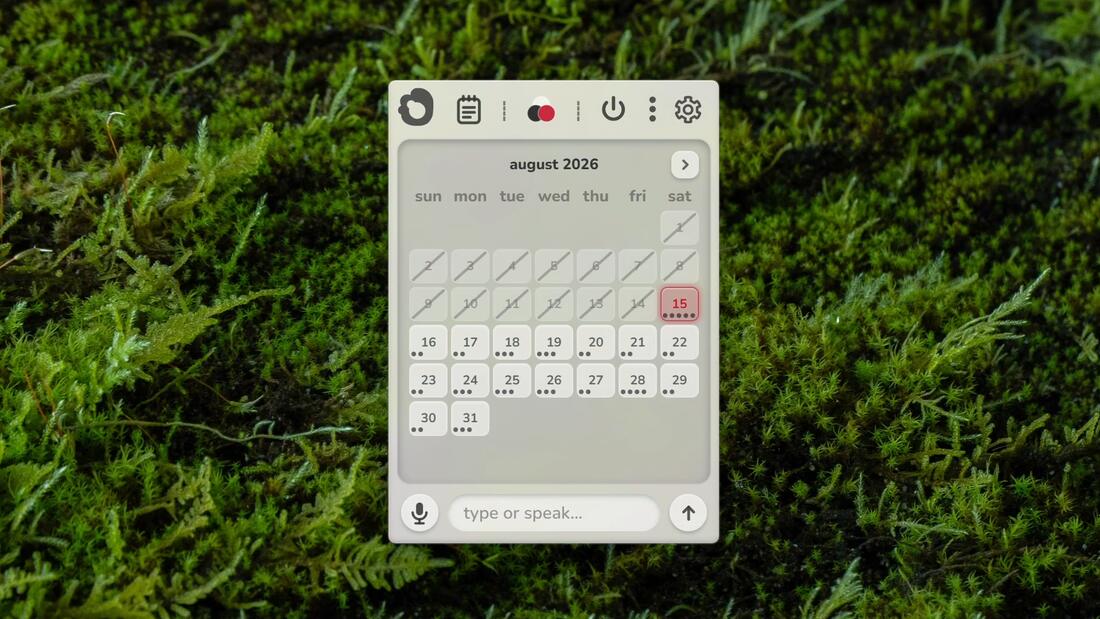
natural language
type or speak in plain english to instantly build routines
your offline personal scheduling assistant.
global · windows 11 · no account required
designed for clutter.
engineered for clarity.
plan further ahead.
time a task. catch a thought.
ask anything offline.
Moss runs a compact language model and a speech recognition model on your own CPU. There is no server. Turn off your internet and it performs the same anywhere on the planet.
features
type or speak in plain english to instantly build routines
track your day, step by step
for the mornings that matter
for moments of focus
brief ideas, dictated or typed
local model answers general questions with no connection to the internet. it is a small model. sleek, useful, and sometimes wrong.
nothing you type or say ever leaves your device
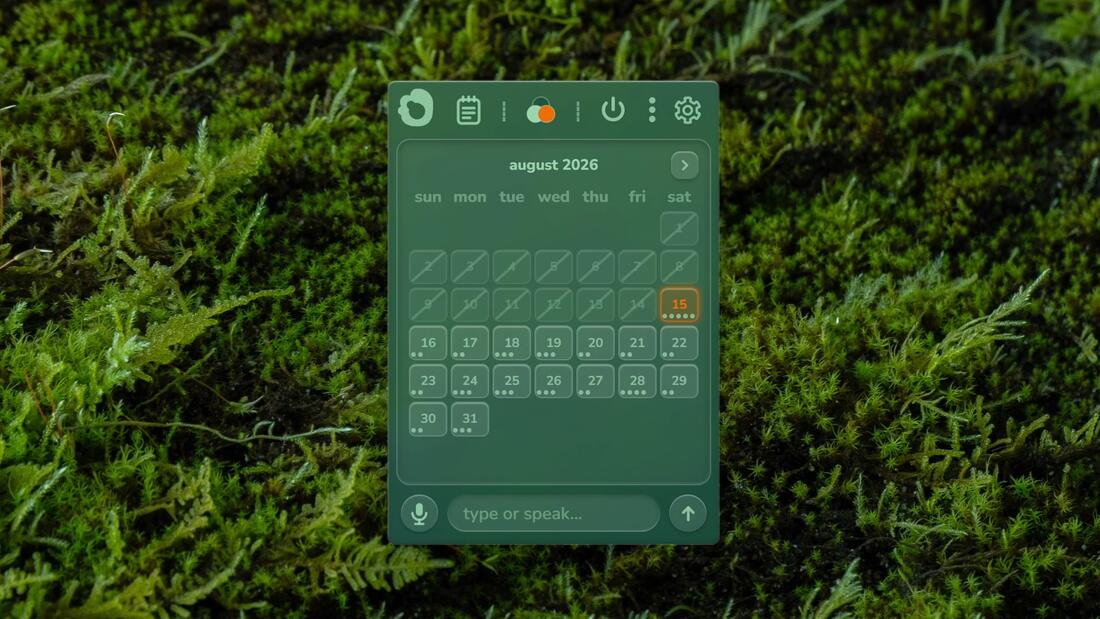
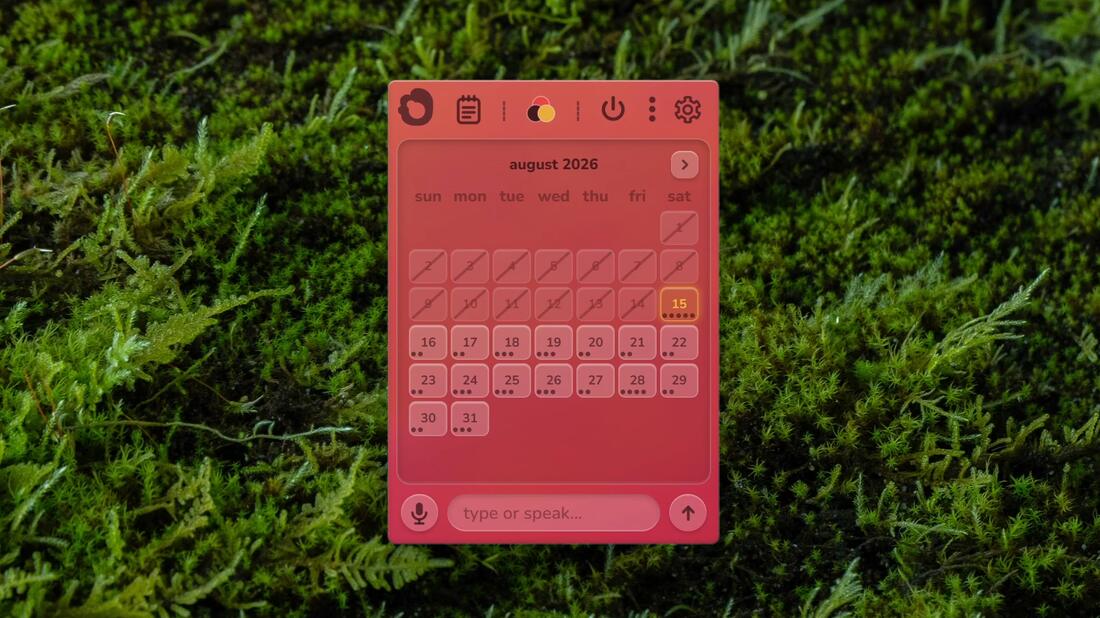
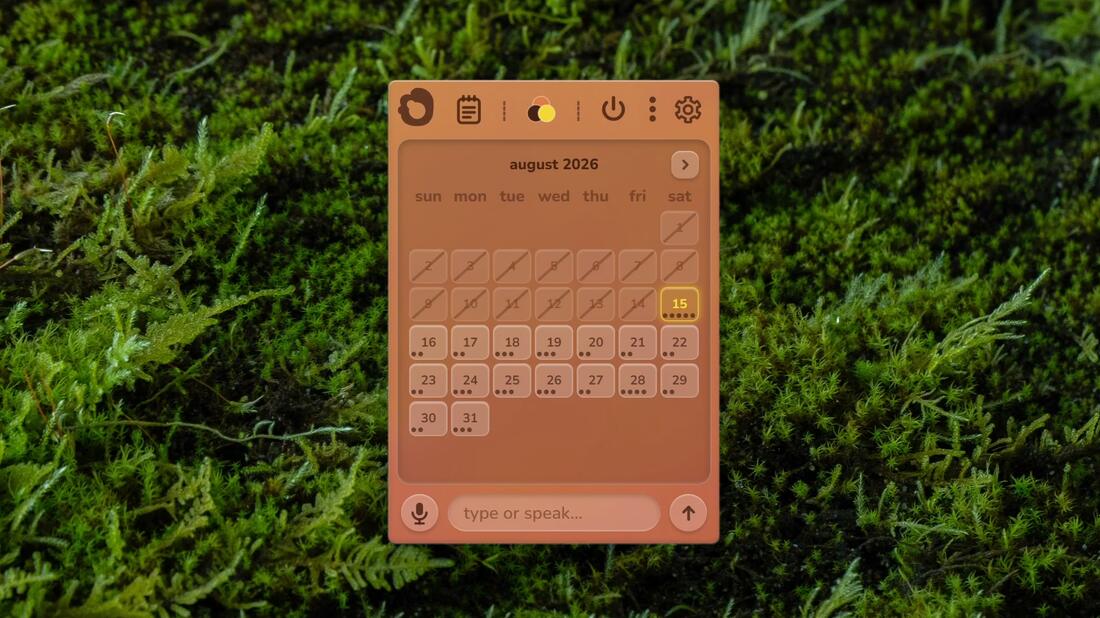
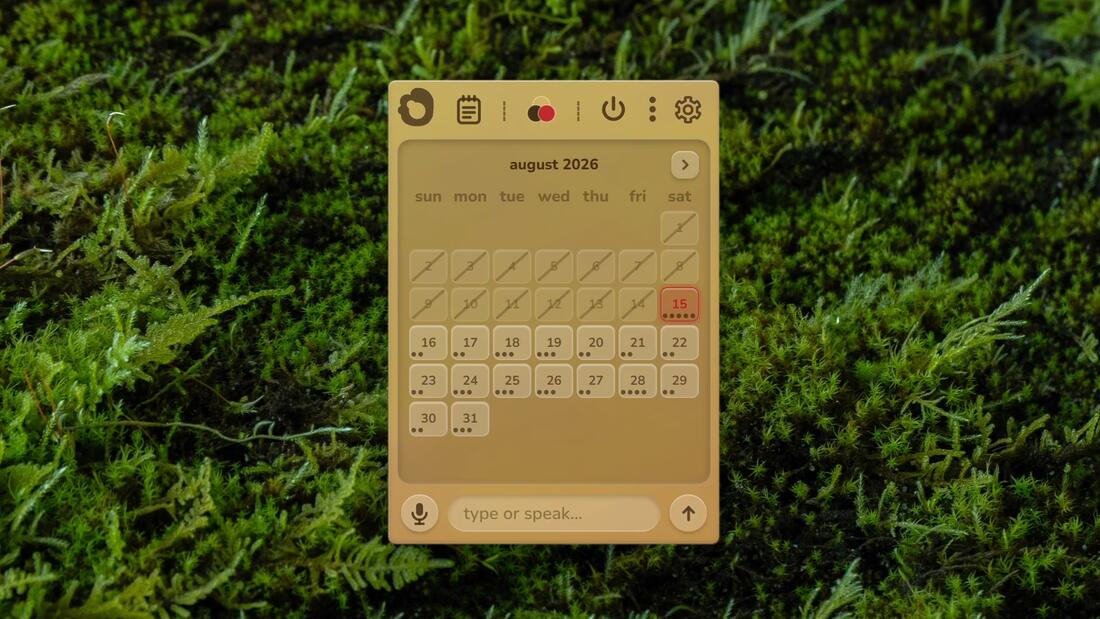
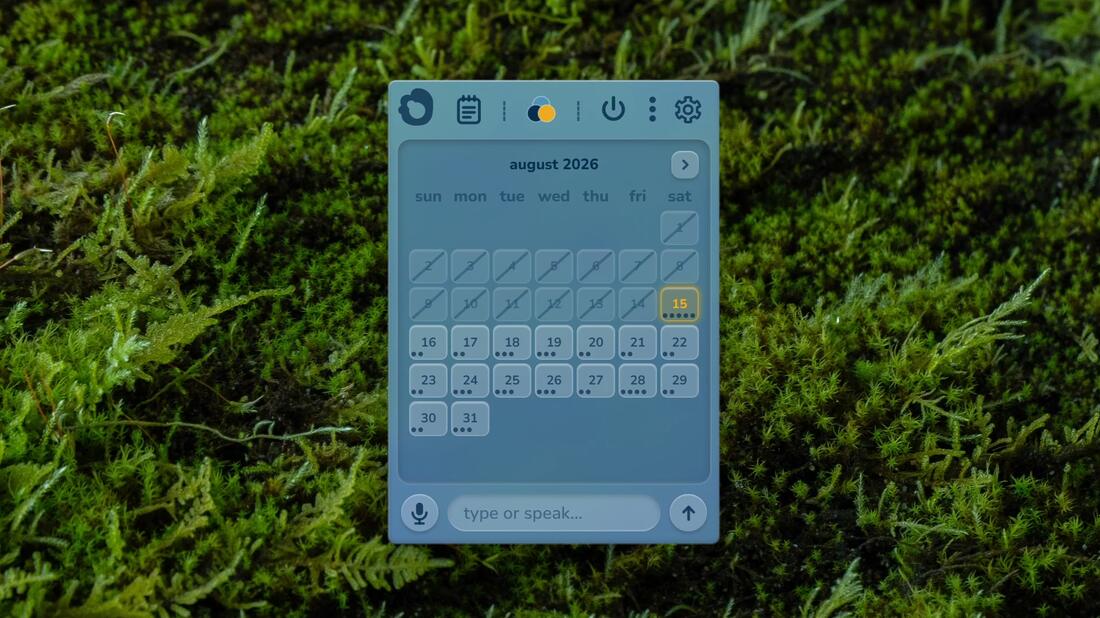
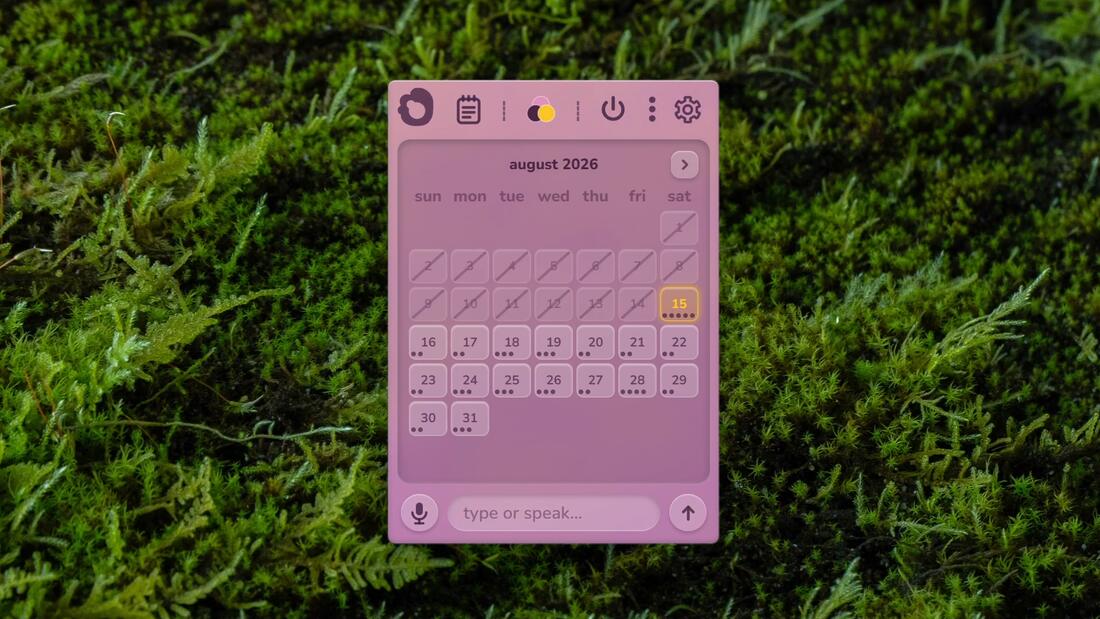
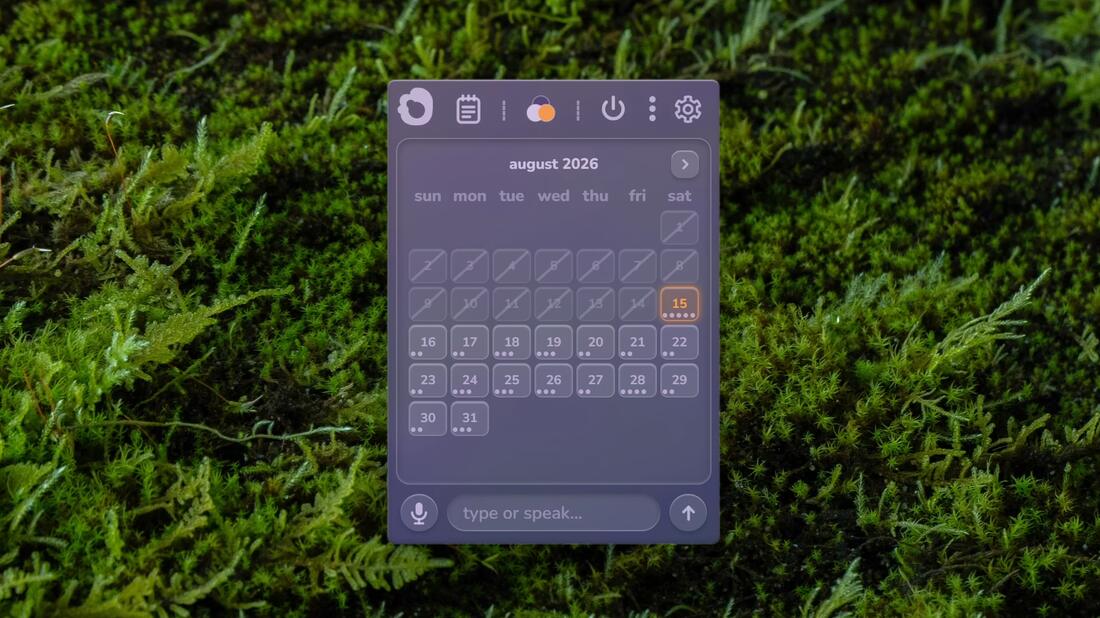
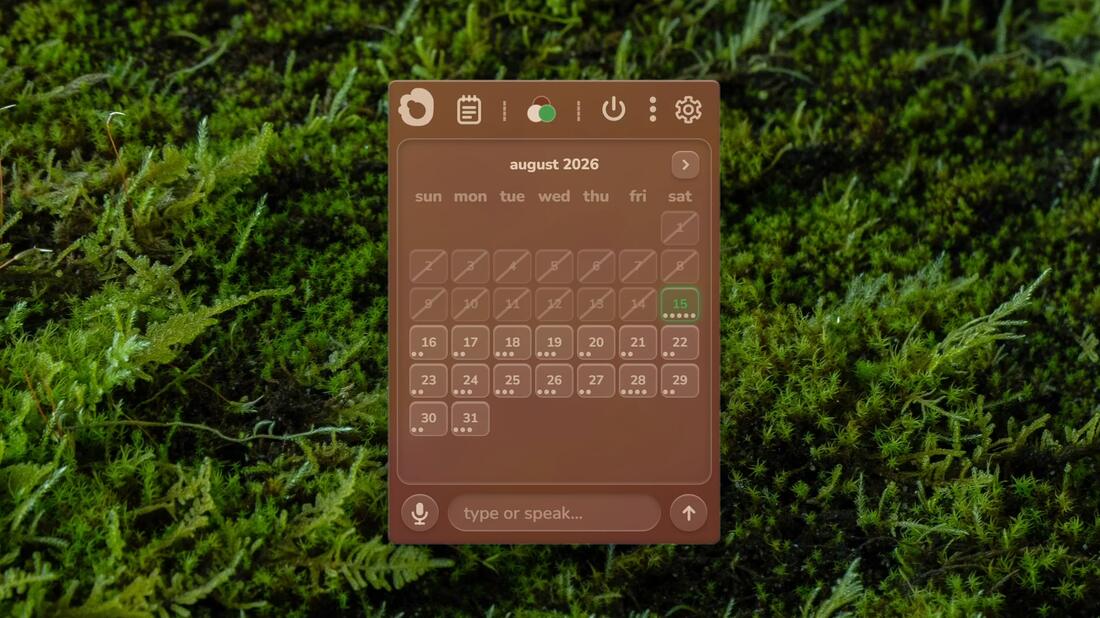
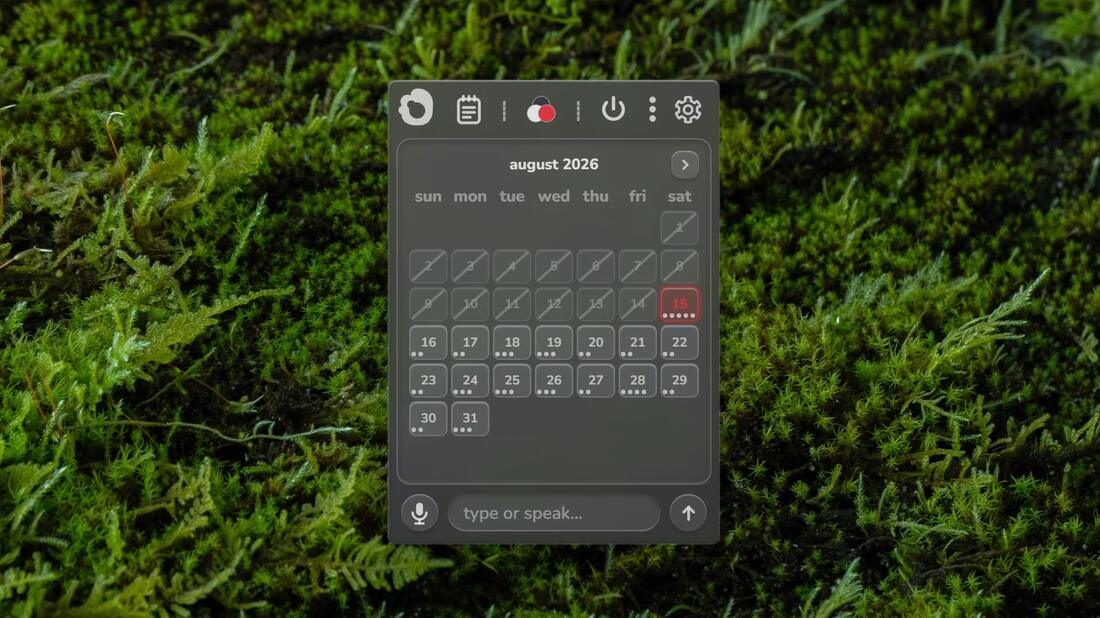
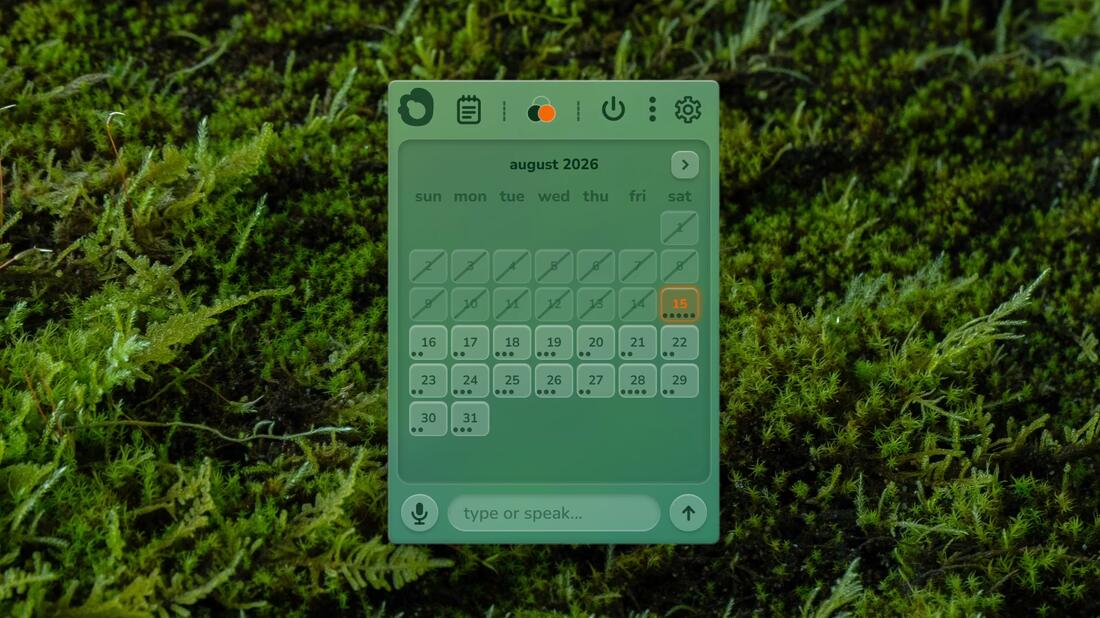
schedule in style
two free, all eleven in the full version. test them out below.
moss
free and full
free
no cost, no account
full
$4.99, one time, no subscription.
everything in free, plus:
bought once inside the store through the app, no account.
Moss needs Windows 11 and works best with 8 GB of RAM or more.
The download is around 1.5 GB because the language model and speech recognition are bundled and optimized to run on your machine. Nothing is streamed or fetched later.
Moss lives in the system tray with no taskbar button; click the tray icon to show or hide it.